Most Recent Paystub for You: What It Is and Why You Need It
Looking for the most recent paystub for yourself? In this article, we’ll dive into why your latest paystub is more than just a slip of paper and how to access it when you need it.
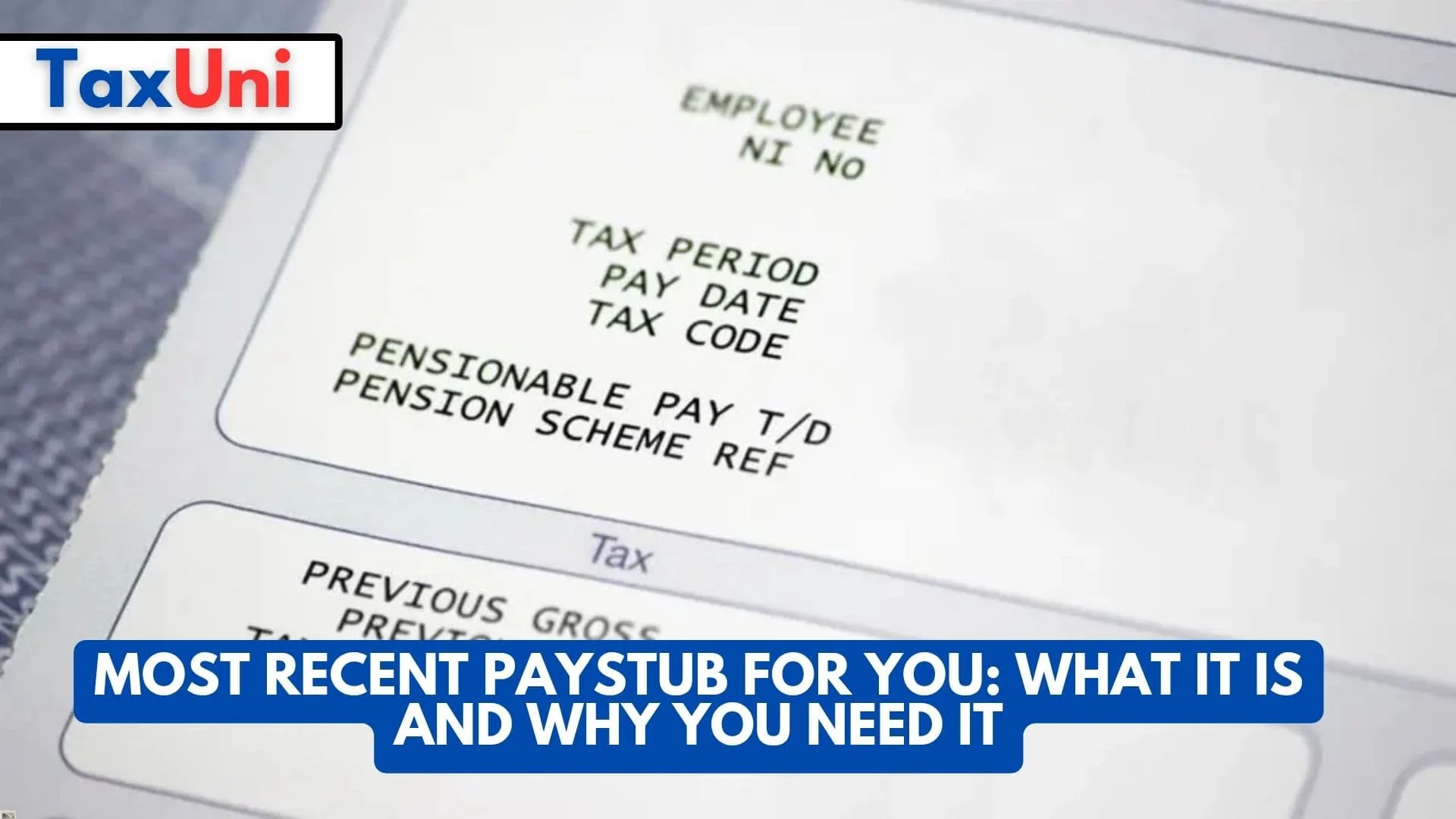
When it comes to keeping track of your finances, the most recent paystub for you is a key piece of the puzzle. This small but mighty document holds a wealth of important details about your income, deductions, and other essential information. It’s not just for tax season or loan applications—it can also serve as a reference point for budgeting, monitoring your employment benefits, and even catching potential errors in your paycheck. The paystub is often issued every time you get paid, whether that’s weekly, bi-weekly, or monthly, and it contains a breakdown of your earnings and deductions, including taxes, insurance premiums, and retirement contributions.
For many, accessing the most recent paystub for you might be straightforward, especially if you receive it via email or through an online portal provided by your employer. But if you’re not sure how to find it, don’t worry—this article will guide you through the process of tracking down your latest paystub, explain what it includes, and give tips on how to use it for various financial tasks.
Your most recent paystub isn’t just a random piece of paperwork—it’s an important record that can provide clarity on everything from your salary to the benefits you’re receiving. Knowing how to read and access it can help you stay organized, understand your pay, and ensure that you’re getting what you deserve. In this article, we’ll also touch on common paystub-related questions and offer useful tips for keeping your financial information in order.
Why the Most Recent Paystub Is Important
Your paystub, especially the most recent one, contains critical details that are essential for your financial health. From confirming the right deductions to verifying your gross and net income, this document serves as your personal paycheck blueprint. If you’re applying for a loan, trying to figure out how much tax you owe, or simply making sure your paycheck adds up correctly, your most recent paystub is the reference you need. It helps you catch any errors and clarify any discrepancies that might pop up in your income.
For freelancers or contractors, keeping track of your paystubs can also be crucial for planning your taxes. If you’re self-employed, you may not get paystubs from your clients, but you can keep track of your earnings in a similar way by documenting payments and deductions.
How to Access Your Most Recent Paystub
In today’s digital world, accessing your most recent paystub is often as simple as logging into your employer’s payroll portal. Many companies now offer an online system where employees can easily check their paystubs. This system will typically allow you to download, print, or email the paystub for your records. If your employer still uses paper paystubs, you can request a copy from your HR department or payroll office. Keep in mind that your most recent paystub might only be available after the payroll is processed, so it’s important to check periodically if you’re looking for the latest version.
What Information Is Included in Your Paystub?
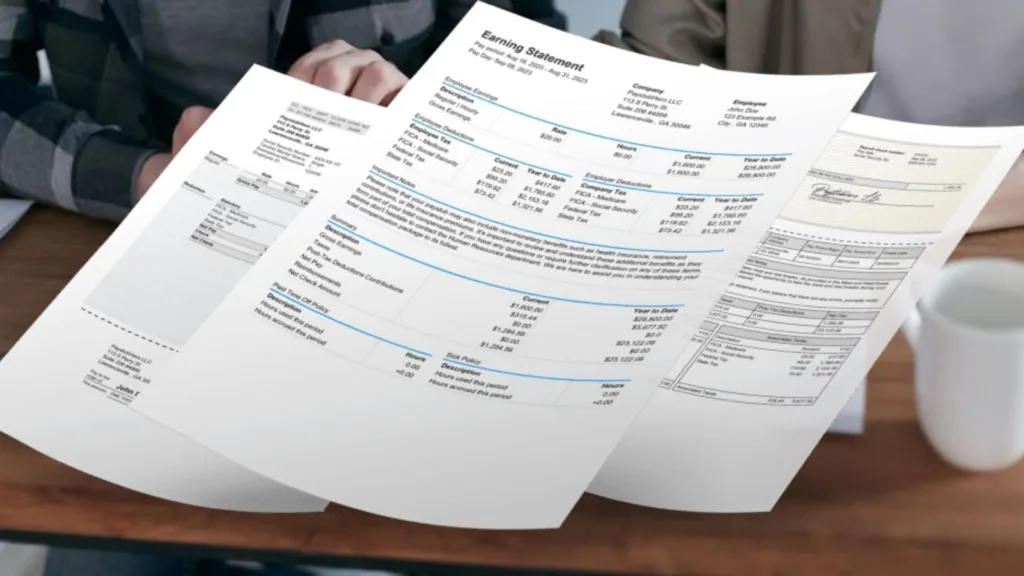
A typical paystub includes the following essential details:
- Gross Income: This is the total amount you earned before any deductions.
- Deductions: These are amounts taken out for things like taxes, insurance, retirement contributions, and other benefits.
- Net Income: This is the amount you take home after all deductions are subtracted.
- YTD (Year-To-Date) Earnings: This section shows how much you’ve earned so far in the year, which is helpful for tax purposes.
In addition to these basics, some paystubs may also list your hours worked, overtime pay, and other bonuses or reimbursements you may have received. Understanding what’s listed can help you verify that you’re being paid correctly.
How to Use Your Most Recent Paystub
Once you’ve got your hands on your most recent paystub, it’s time to make use of it. If you’re applying for a loan or mortgage, the paystub will often be a required document to verify your income. If you’re preparing your taxes, the paystub is a great place to start when figuring out how much you’ve earned and how much has been deducted for taxes. Even if you’re not using it for big financial transactions, having the most recent paystub helps you stay organized, monitor deductions, and double-check for errors.

Common Paystub Issues and How to Fix Them
Errors on paystubs can happen. Sometimes, deductions may be incorrectly applied, or your hours may not be recorded accurately. If you find a mistake, it’s important to address it with your employer or HR department as soon as possible. Documenting discrepancies and keeping copies of past paystubs will also help you keep track of any issues over time.
How to Keep Your Paystubs Organized
Staying organized is key to managing your paystubs. Whether you prefer physical copies or digital versions, make sure you store them in a place where you can easily access them. For digital paystubs, cloud storage services like Google Drive or Dropbox are great for keeping everything organized and easy to find. If you prefer physical records, consider setting up a filing system at home or using a binder for each year’s paystubs.
Frequently Asked Questions
Q: How do I find my most recent paystub?
A: You can access your most recent paystub by logging into your employer’s payroll portal or requesting a copy from HR if it’s not available online.
Q: What should I do if there’s an error on my paystub?
A: If you notice an error, contact your HR or payroll department as soon as possible to get it corrected.
Q: Why is my most recent paystub important?
A: Your most recent paystub helps you track your earnings, verify deductions, and ensure you’re being paid correctly, which is useful for taxes, loans, or general budgeting.


